
Trace equipment electricity to work orders and good units. Connect energy, output and improvement evidence, from where power is used to how each batch is produced.
Demos use synthetic data. Deployment is scoped to your data, permissions and site conditions.
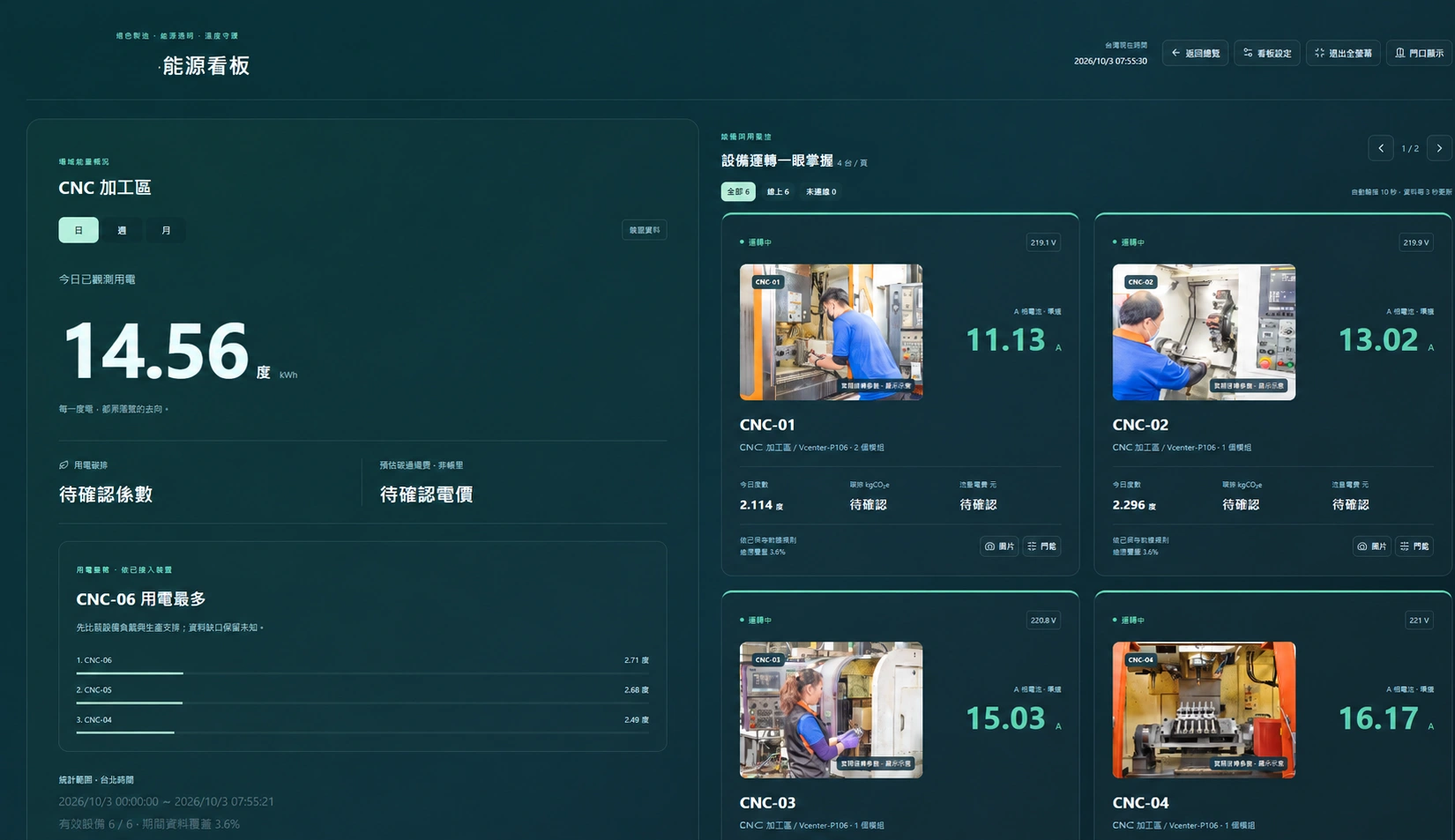
Put data to work
Equipment, work orders and events
Align assets, time, products and shifts with start, pause, issue and completion events. Keep notification delivery separate from acknowledgement to support follow-up.
Reconcile MES output and good units
Choose a data path for hardware counts, hourly or daily good-unit records and manual reporting. Preserve sources, timestamps and corrections; counts are not automatically good units, and daily totals do not create hourly records.
Product energy flow
Follow energy from source and meter to equipment, work order and batch history. Show allocated and unallocated energy together, with reasons for overlaps and gaps. Green electricity is an allocation within the total.
Batch energy history and QR
After work-order and quality confirmation, retain batch energy records and versions, with PNG, SVG, JSON and QR outputs. Enterprise permissions still govern QR access.
Product ECO with reasons
Use energy per good unit and product rules to explain five ECO states: blue, green, yellow, red and grey. Missing data, unconfirmed QC or conflicting rules remain unknown; retain the rules and data used.
Separate energy, cost and emissions
Check tariff and emissions-factor versions before comparing time-of-use and scheduling scenarios. Carbon-aware scheduling is a constrained simulation; cost or emissions can fall while total electricity stays unchanged.
Three steps from task to outcome
- 01
Align equipment and data
Confirm meters, counts, MES, timing and quality sources.
- 02
Follow orders and energy
Review events, reconciled good units, energy flow and ECO reasons.
- 03
Retain batch results
Confirm quality, freeze the history and keep reports and QR references.
Inside the workspace

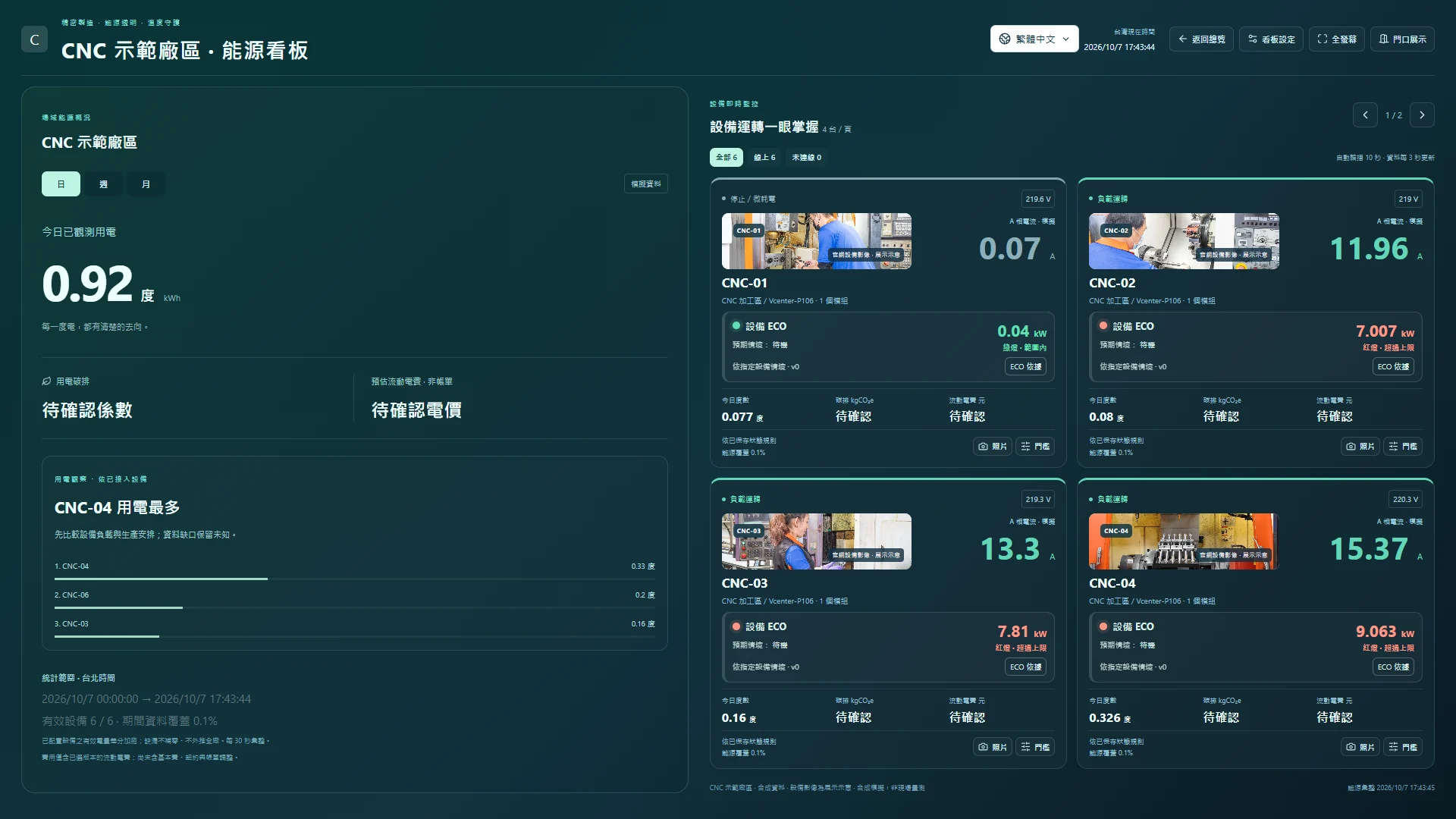
What you can take away
Work-order events, good-unit reconciliation, energy-flow details, batch history and ECO snapshots, at the granularity supported by your sources and permissions.
Read the practical guideQuestions before deployment
Does a counter provide complete OEE?
No. Counts do not establish good units. Complete OEE also requires planned time, an ideal cycle, valid output and quality data. High-load time share is not OEE.
Does it replace ERP, MES or safety protection?
The platform links equipment and management data. ERP, MES, quality-system integration and finer data scopes need separate planning. Alerts and dashboards support management; safety protection remains part of equipment and site design.
Start with your data and your priorities
Share your equipment or site type, current data sources and improvement goals. Together we can define the measurement scope, walkthrough and deliverables.